
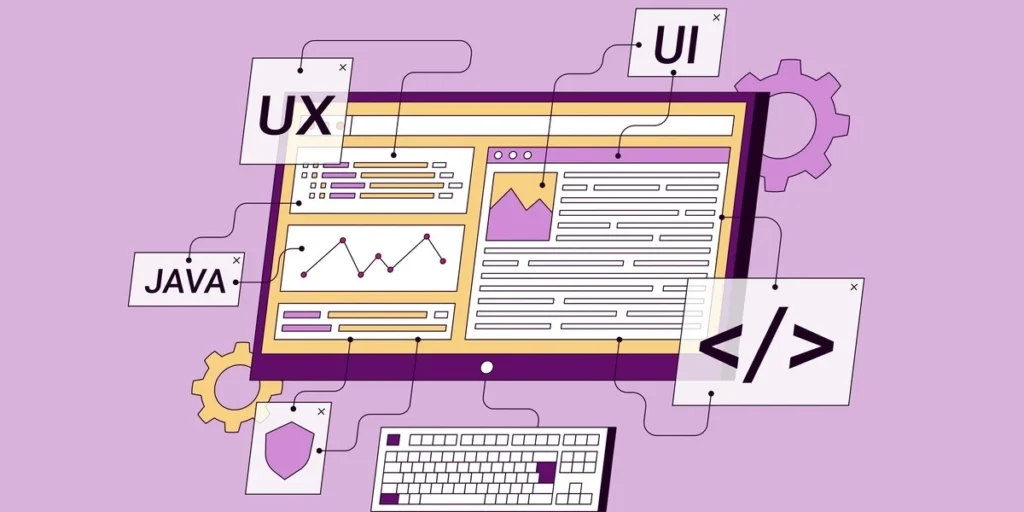
Imagine this: a visitor lands on your website, excited to convert, only to abandon ship due to a confusing navigation path. Frustrating, right? As an intermediate designer or developer, you know that seamless website user flow design is the backbone of user retention and conversion success. Poor flows lead to high bounce rates and lost revenue; masterful ones turn casual browsers into loyal customers.
In this authoritative step-by-step guide to website user flow design, we cut through the noise to equip you with proven strategies tailored for your level of expertise. You will learn to map user journeys with precision, identify friction points using data-driven tools, and prototype intuitive paths that align with business goals. From initial research and wireframing to testing and iteration, we cover every essential phase with real-world examples, best practices, and actionable templates.
By the end, you will possess the confidence to redesign any site for optimal flow, boosting engagement metrics like never before. Ready to elevate your skills? Dive in and transform your websites today.
What Is Website User Flow Design?
Website user flow design is the process of creating visual diagrams, such as flowcharts or wireflows, that map the precise steps users take from entry points like landing pages, search results, or ads to task completion, including purchases, sign-ups, or profile updates. These diagrams focus on task-specific, linear paths within a website, highlighting interactions like button clicks, form submissions, and decision points to guide users efficiently. Unlike broader concepts, user flows zero in on granular, product-bound experiences, helping designers anticipate user actions and system responses. For intermediate designers, this means sketching paths that account for multiple entry points and potential errors, ensuring every branch leads toward conversion.
Key Elements of Website User Flow Design
Core components start with user personas derived from research, representing real users’ demographics, goals, and pain points, such as a busy e-commerce shopper seeking quick checkout. Branching paths emerge at decision points, depicted as diamonds or forks (e.g., “add to cart” yes/no), while friction spots like confusing forms or slow loads get flagged for elimination. Tools like Figma’s user flow resources integrate these with sitemaps and wireframes, using standard symbols (ovals for starts/ends, rectangles for steps) and color-coding for clarity. Actionable insight: Begin with 5-7 minimal steps per flow, prioritizing mobile-first designs since mobile traffic hits 61.95% of websites.
Benefits and Real-World Impact
Optimized flows slash bounce rates by identifying rage clicks early and boost conversions through friction reduction; for example, a Portent study reveals 1-second load times deliver 5x higher conversions than 10 seconds. They align teams via shared visuals, cutting iterations, while longer dwell times enhance SEO. Case in point: UI tweaks in flows lifted BaseKit’s conversions 25% and revenue 274%. At wrkshp.studio, we embed this in User Flow & Conversion Optimization for custom sites.
Distinct from user journeys, flows emphasize linear, task-oriented paths over emotional, multi-channel narratives, as detailed in NNGroup’s comparison. This focus enables precise tweaks for 200-400% conversion lifts.
User Flows vs. User Journeys: Key Differences
User flows and user journeys, while both vital to website user flow design, differ fundamentally in scope and application. User flows serve as tactical, visual maps—often flowcharts or wireflows—that detail the exact steps, decisions, branches, and system responses for completing a single website task, such as a checkout process. These diagrams highlight entry points like landing pages, decision trees (e.g., “back” or “proceed” options), and friction points like excessive form fields, which average 23.48 elements in U.S. checkouts. Ideal for short-term interactions lasting minutes, they enable precise UX/UI refinements; for example, BaseKit’s flow-informed UI tweaks boosted conversions by 25% and revenue by 274%, while Time4Sleep achieved 63% higher mobile conversions through streamlined paths. With mobile traffic at 61.95% of websites, prioritize mobile-first flows using tools like Figma for rapid iteration via A/B testing and heatmaps.
In contrast, user journeys offer holistic narratives that span emotions, thoughts, touchpoints, and channels over days or months, mapping stages from awareness to retention. Represented as journey maps with emotional curves and user quotes, they uncover multi-channel pain points, like 70.22% cart abandonment from poor experiences. Use journeys for overarching strategy and brand storytelling, fostering loyalty through personalization—expected by 71% of consumers and influencing 82% of purchases (Product School on user flows vs. journeys).
Combine them strategically: embed tactical flows within journey stages for empathy-driven fixes. This aligns perfectly with wrkshp.studio’s story-led marketing, where flows optimize conversions inside narrative experiences, yielding up to 400% UX ROI and reducing development costs by 70% through early testing (Figma design statistics).
Prerequisites: User Personas and Goals
Building Detailed User Personas Through Research
Before mapping any website user flow design, start with robust user personas derived from thorough audience research. Conduct surveys to gather quantitative data on preferences, such as preferred device usage or task completion times. Complement this with in-depth interviews, targeting 5 to 30 participants per user segment, to uncover qualitative insights like daily workflows and frustrations. Analyze existing analytics from tools like Google Analytics to spot behavioral patterns, including drop-off points and popular entry paths. Synthesize this into detailed personas that include demographics (age, job title, location), pain points (slow load times or confusing navigation), and motivations (seeking quick solutions or personalized recommendations). For instance, a “Busy Professional” persona might highlight the need for one-click sign-ups to avoid workflow disruptions. These personas transform abstract data into actionable profiles, as outlined in NNGroup’s guide to personas.
Defining User Goals Aligned with Business Objectives
Next, define clear user goals that tie directly to business outcomes, such as completing a sign-up or purchase. Review conversion data from funnel analytics to prioritize high-impact tasks; for example, if checkout abandonment is high, focus flows there first. Align these with KPIs like retention or revenue, ensuring every step supports both user success and company growth. A music app might prioritize “create playlist” to boost engagement, drawing from traffic sources to tailor entry messaging.
Empathy Mapping for Story-Led Flows
Incorporate empathy mapping to capture emotional layers, plotting what users say, think, do, and feel. This reveals hidden frustrations, like privacy fears during sign-ups, enabling story-led flows that emotionally resonate. At wrkshp.studio, we use this in user flow optimization to craft empathetic paths. Early UX testing with personas and maps saves 70% in development costs, per MoldStud studies, avoiding expensive post-launch fixes.
Validating with Personalization Data
Validate personas and goals using key stats: 71% of consumers expect personalization, 76% feel frustrated without it, and it influences 82% of purchases, according to Slickplan studies. This data-driven approach, informed by FlowMapp’s personas in user flows, ensures flows reduce friction and drive conversions, setting the stage for effective diagramming.
The Step-by-Step User Flow Design Process
1. Identify Entry Points and End Goals; Sketch Linear Paths with Minimal Steps
Begin the website user flow design process by cataloging all potential entry points, such as paid ads, social media shares, organic search results, email campaigns, or direct URL visits. Analyze traffic data from tools like Google Analytics to understand user intent at each point; for example, users arriving from Instagram ads often seek quick product previews, while search traffic prioritizes informational content. Next, define clear end goals aligned with business objectives, like completing a purchase, signing up for a newsletter, or downloading a resource, ensuring these resonate with the user personas developed earlier. Sketch initial linear paths on paper or a digital notepad, limiting each to 5-7 essential steps to preserve momentum and curb abandonment; a typical e-commerce flow might include land on product page, view details, add to cart, enter shipping info, and confirm order. This minimalism reduces cognitive load, as excessive steps can increase bounce rates by up to 70% on non-optimized sites. Actionable insight: Frame the path as a user story, with the persona as the hero overcoming minor hurdles to reach resolution, allowing early detection of friction.
2. Outline Decision Points and Branches Using Consistent Symbols; Keep One Primary Direction
With paths sketched, map decision points where users choose actions, such as “Create account or continue as guest?” Represent these with standardized flowchart symbols: rectangles for screens or actions (e.g., “Enter payment details”), diamonds for yes/no decisions, circles for entry or exit nodes, and labeled arrows for directional flow. Branches emerge from decisions, like error recovery paths for invalid inputs or upsell options post-selection, but maintain one dominant primary direction to minimize confusion; data shows 80% of users stick to main paths when flows stay focused. Color-code branches (e.g., green for primary, blue for secondary) and limit them to avoid overwhelming diagrams. For instance, in a signup flow, the primary path bypasses login for speed, with a guest branch reconverging quickly. This structure clarifies handoffs between teams and highlights potential drop-offs, boosting conversion potential.
3. Visualize in Tools like Figma or Flowmapp; Layer Wireframes and CTAs; Prioritize Mobile-First
Transition sketches to digital tools for refinement: Figma offers AI-powered templates and interactive prototypes ideal for layering low-fidelity wireframes directly onto flows, while Flowmapp provides grid-based connectors for precise sitemaps and branching. Embed prominent CTAs like “Buy Now” buttons within wireframes, ensuring microcopy guides users intuitively. Adopt a mobile-first approach, designing thumb-optimized vertical flows first, given mobile traffic at 61.95% of websites per Exploding Topics 2024; test for 1-second load times, which deliver 5x higher conversions than 10-second delays. Prototype interactions to simulate real navigation, iterating based on heatmaps. Real-world tweaks like these have lifted mobile conversions by 63% in optimized sites.
4. Integrate Storytelling Elements for Empathy-Driven Engagement
Elevate flows with narrative prompts at pivotal moments, such as “Imagine effortless mornings ahead—select your plan” during onboarding, fostering emotional connection and positioning users as story protagonists. This empathy-driven technique, a wrkshp.studio specialty in web development, weaves arcs of tension-release (e.g., fear of choice eased by reassurances) to boost engagement 2-3x. Personalize prompts using data, as 71% of consumers expect tailored experiences influencing 82% of purchases. In practice, layer these over wireframes in Figma for prototypes that test narrative impact via user sessions. wrkshp.studio applies this in custom WordPress sites, optimizing user flows with storytelling to convert visitors into loyal advocates through seamless, story-led journeys. Validate with A/B tests, refining for peak resonance.
Learn how to create effective user flow diagrams.
Top Tools for Mapping and Visualizing Flows
Figma: Collaborative Prototyping Powerhouse
Figma stands out as the premier tool for website user flow design, enabling real-time collaboration on interactive prototypes and flow maps through its robust plugin ecosystem. Plugins like User Flow Mapper automatically generate visual diagrams from prototypes, while Next Flow and Autoflow add intelligent sitemaps and hand-drawn arrows for seamless wireframe iteration. For intermediate teams, this setup cuts mapping time by up to 70%, as noted in UX Pilot analyses, allowing agile refinements based on shared feedback. Start by importing wireframes, apply plugins to trace paths from entry points to conversions, and export specs for developers. Ideal for story-led projects at wrkshp.studio, Figma supports brand-specific narratives via customizable components, boosting team alignment and reducing friction in dynamic WordPress builds.
FlowMapp and Page Flows: Specialized Builders
FlowMapp and Page Flows excel in rapid sitemap and user flow creation with pre-built branching templates tailored for e-commerce or onboarding scenarios. FlowMapp’s drag-and-drop interface speeds initial drafts by 50% over generic tools, offering intuitive sharing for stakeholder reviews. Page Flows provides a library of real-world examples, customizable for mobile-first paths amid 61.95% mobile traffic dominance. Actionably, select a template, map decision points with consistent symbols, and iterate linearly to minimize steps. These tools distinguish task-specific flows from emotional journeys, aligning perfectly with prerequisites like personas.
Validation Tools: Heatmaps and A/B Testing
Validate flows post-mapping using Hotjar’s heatmaps for click, scroll, and session insights, pinpointing drop-offs by device to refine paths data-driven. Although Google Optimize ended in 2023, alternatives like VWO deliver full-funnel A/B testing, confirming tweaks that can lift conversions by 200%, per Wilson Wings data. wrkshp.studio integrates these in custom WordPress sites, combining heatmaps with SEO audits for lightning-fast performance and 5x higher conversions from 1-second loads. Test one variant at a time, focusing CTAs and personalization expected by 71% of users.
Accelerate with Free Templates
Slickplan and Justinmind offer free, editable user flow templates to jumpstart projects, infusing brand narratives via drag-and-drop customization. Slickplan’s flowcharts map 80% of drop-offs early, while Justinmind exports to prototypes. Download, adapt for your personas, and prototype immediately to save 70% on dev costs through early testing. These resources ensure simple, accessible flows, positioning your site for 32% revenue growth via design leadership.
Best Practices for Optimization
Design Mobile-First with Progressive Disclosure
Start every website user flow design with a mobile-first mindset, given that mobile traffic dominates at 61.95% of websites and drives 66.5% of peak holiday sales. Begin prototyping on the smallest screens, ensuring touch-friendly elements, fast load times under 1 second for 5x higher conversions, and compliance with Core Web Vitals. Incorporate progressive disclosure by revealing information gradually, such as grouping related form fields or using branching wizards that show conditional steps only when needed. This reduces cognitive load, as average homepages cram in 1,257 elements, overwhelming users. For instance, single-column layouts and logical progression declutter paths from landing page to checkout. Seamless UX implementations can boost conversions up to 400%, according to Wilson Wings research. At wrkshp.studio, we apply this in custom WordPress developments to scale flows effortlessly across devices.
Personalize Dynamically with AI
Leverage AI for context-aware paths that adapt to user intent, device, and behavior, minimizing steps to 3-5 in critical funnels like checkouts. With 82% of purchases influenced by personalization and 71% of consumers expecting it, dynamic elements like intent-based CTAs or modular recommendations prevent 32% abandonment per extra second of load time. Tools enable predictive branching, such as showing demos to decision-stage visitors. Every $1 invested in such UX yields $10-$100 returns. Actionable step: Integrate user data from personas to trigger personalized flows, boosting engagement by tailoring paths post-entry point.
Prioritize Accessibility and Simplicity
Craft single-direction flows with clear, prominent CTAs, avoiding pop-ups and clutter for intuitive progression. Use progress indicators, error feedback, and legends for clarity. Ensure WCAG compliance to counter 94.8% failure rates among top sites. Iterate relentlessly with A/B testing, heatmaps, and real-user feedback to refine friction points. For example, test micro-conversions like “Download Guide” early in flows.
Align with Psychology for Flow States
Foster effortless progression drawing from flow theory, balancing challenge and skill with consistent patterns and immediate feedback, as emphasized in NNgroup’s principles to reduce cognitive load. Progressive challenges and emotional alignment, per Studio Incubator insights, deepen sessions by 10% and cut churn 4.5x. Implement transparency via progress bars and plain language to sustain immersion from entry to goal.
Real-World Case Studies
BaseKit: UI Tweaks for Massive Conversion and Revenue Gains
BaseKit, a website builder platform, transformed its user flow design by focusing on the critical “plans and pricing” page within the conversion funnel. Through A/B testing inspired by Slickplan methods, they reorganized content with added testimonials, detailed package breakdowns, and scannable CTAs, ensuring key information guided users without overwhelming them. This targeted approach reduced friction at decision points, boosting “buy now” clicks by 25% and driving a staggering 274% revenue growth. Intermediate designers can replicate this by mapping high-dropoff paths with tools like Figma, prototyping UI variants, and analyzing heatmaps for CTA prominence. The results underscore how minimal, data-driven tweaks in website user flow design yield outsized ROI, aligning teams around user goals from entry to purchase.
Time4Sleep: Mobile-First Paths Slash Friction
Time4Sleep, a UK mattress retailer, tackled 70% mobile traffic by redesigning checkout and product flows with frictionless paths. Using Hotjar for session recordings and heatmaps, they simplified navigation, optimized thumb-friendly layouts, and eliminated unnecessary steps. This mobile-first user flow overhaul delivered a 63% uplift in mobile conversions, proving the power of responsive design amid 62% global mobile dominance. For actionable insights, prioritize progressive disclosure and test variations early; such optimizations cut abandonment rates, as 53% of users bail if loads exceed 3 seconds. See detailed web design stats here.
Design-Led Growth and UX ROI Benchmarks
McKinsey’s analysis of over 300 companies reveals design-led firms, excelling in user flow mapping, achieve 32% higher revenue growth and 56% better shareholder returns. Forrester and IBM data further quantifies UX value: every $1 invested returns $10 to $100 through higher conversions and lower fix costs. Well-optimized flows boost rates by up to 400%, per industry studies.
wrkshp.studio: Empathy-Driven Optimizations
At wrkshp.studio, user flow optimizations in service design mirror these wins for audience-focused brands. By integrating journey mapping with custom WordPress development, we deliver similar ROI, reducing bounces and personalizing paths via personas and A/B insights. Brands prioritizing empathy see sustained growth, blending storytelling with seamless flows.
2026 Trends in User Flow Design
AI-Powered Personalization: Dynamic Paths Adapting in Real-Time
AI revolutionizes website user flow design by creating predictive, adaptive paths that respond instantly to user behavior, context, and intent. Blending human-centered principles with automation, these flows reorder elements, prioritize content, and switch interfaces seamlessly across devices. For example, high-intent e-commerce users see streamlined checkouts, while explorers get exploratory branches. Data shows dynamic personalization boosts retention by up to 35%, with 88% of leaders increasing AI budgets for such features. Actionable insight: Integrate explainable AI with feedback loops to build trust; test via A/B variants in tools like Figma for 20-30% conversion lifts.
Psychology-Driven Flows: Effortless States and Retention
Drawing from behavioral science, 2026 trends emphasize inducing flow states through progressive disclosure and emotional alignment. Flows minimize cognitive load with micro-interactions and gradual info reveals, aligning with System 1 thinking to reduce abandonment by 15-20%. Dopamine rewards from small wins enhance retention, as empathetic designs improve it by 20-25%. In SaaS apps, this means mood-adaptive UIs with low-contrast modes. Implement by mapping emotional cues in user flows; analytics predict intent for proactive nudges.
Enhanced Mobile Onboarding: Branching Amid 62%+ Traffic
Mobile traffic at 62.66% demands branching onboarding with tooltips and activation focus to cut 58-60% bounce rates. Prioritize thumb-friendly CTAs and under-3-second loads for 3-5x conversions; data-led CRO via heatmaps iterates paths. Reduce steps from seven to three, using progress indicators. For e-commerce, this lifts day-7 retention 12%.
Accessibility and Inclusive Design with SEO Integration
Flows now mandate WCAG 2.2 compliance, handling edge cases like keyboard navigation and screen readers, boosting SEO through structured content. Inclusive toggles for neurodiversity cut e-commerce abandonment 70%; test forms rigorously. Pair with SEO for SaaS gains, as accessible sites rank higher amid rising lawsuits.
Actionable Takeaways
Audit Current Flows
Start by mapping your top three user paths, like homepage to checkout or signup flows, using tools from your existing process. Dive into analytics to pinpoint friction, such as pages with over 40% drop-offs or slow load times that cut conversions by 5x per second delay. Ruthlessly simplify each path to under five steps, eliminating redundant CTAs and forms. This audit alone can reduce bounces and align with mobile-first demands where 62% of traffic originates.
Prototype and Test Iteratively
Prototype in Figma for swift, collaborative iterations on wireflows. Run A/B tests paired with heatmaps to observe real user behavior, aiming for a 20% conversion uplift as proven in UI optimizations. Early testing saves 70% on dev costs versus post-launch fixes that cost 100x more. Validate against goals like reduced steps for faster task completion.
Personalize Proactively with AI
Deploy AI tools for dynamic branching paths that adapt to user data, fulfilling 71% consumer expectations for personalization which sways 82% of purchases. Integrate predictive elements like context-based recommendations to create effortless flow states.
Partner for Specialized Expertise
Engage empathy-driven studios like wrkshp.studio to blend user flow optimizations with storytelling, tying UX seamlessly to conversions and brand narrative.
Measure and Reinvest in ROI
Track dwell time, bounce rates, and revenue attribution post-optimizations. Every dollar in UX yields $10-$100 returns; reinvest early testing savings for sustained 32% revenue growth from design leadership.
Conclusion
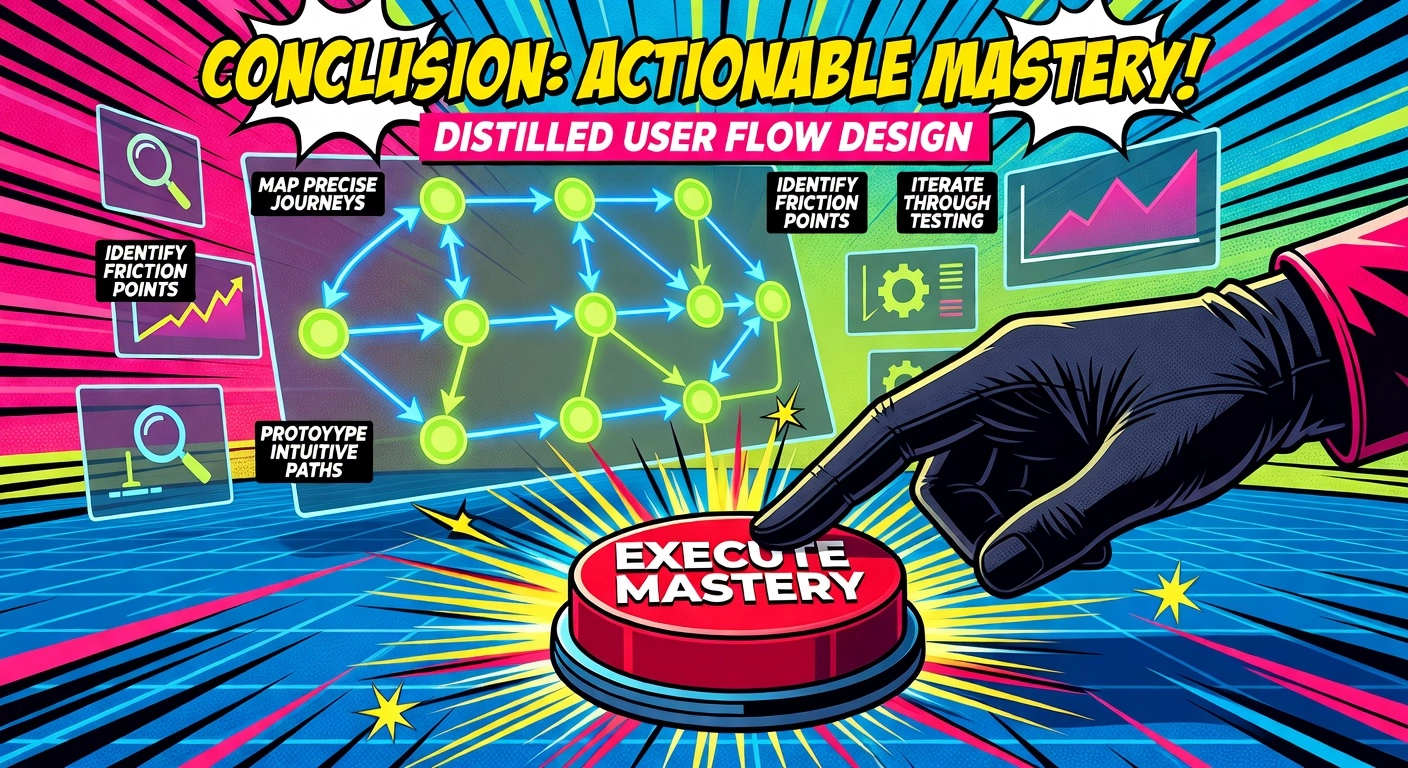
In this step-by-step guide, we’ve distilled website user flow design into actionable mastery. Key takeaways include mapping precise user journeys, identifying friction points with data-driven tools, prototyping intuitive paths aligned with business goals, and iterating through rigorous testing.
These proven strategies, real-world examples, and ready-to-use templates empower you to transform confusing sites into conversion machines. You now hold the confidence to slash bounce rates, skyrocket engagement, and turn casual visitors into loyal customers.
Ready to elevate your designs? Select your next project, apply these steps today, and track the wins. Seamless flows await; your breakthrough starts now.